Not showing on Maps?
Business not showing on Google Maps?Here’s why, and how to fix it.
Not “post more and get reviews.” These are the nine real reasons a business drops off Google Maps, how to check each one yourself, and how to fix it. Then Rank Pilot keeps your profile in shape, week after week.
- Business category: a better fit foundDrafted
- Four missing services, written for youDrafted
- Business description: too thin to rankDrafted
- Your details don’t match across the webFound
Map © Google
- A clear list, in order
- Google only, nothing else
- $79 flat, no contract
- Cancel from your account
Most advice about this is guesswork.Start with what Google names.
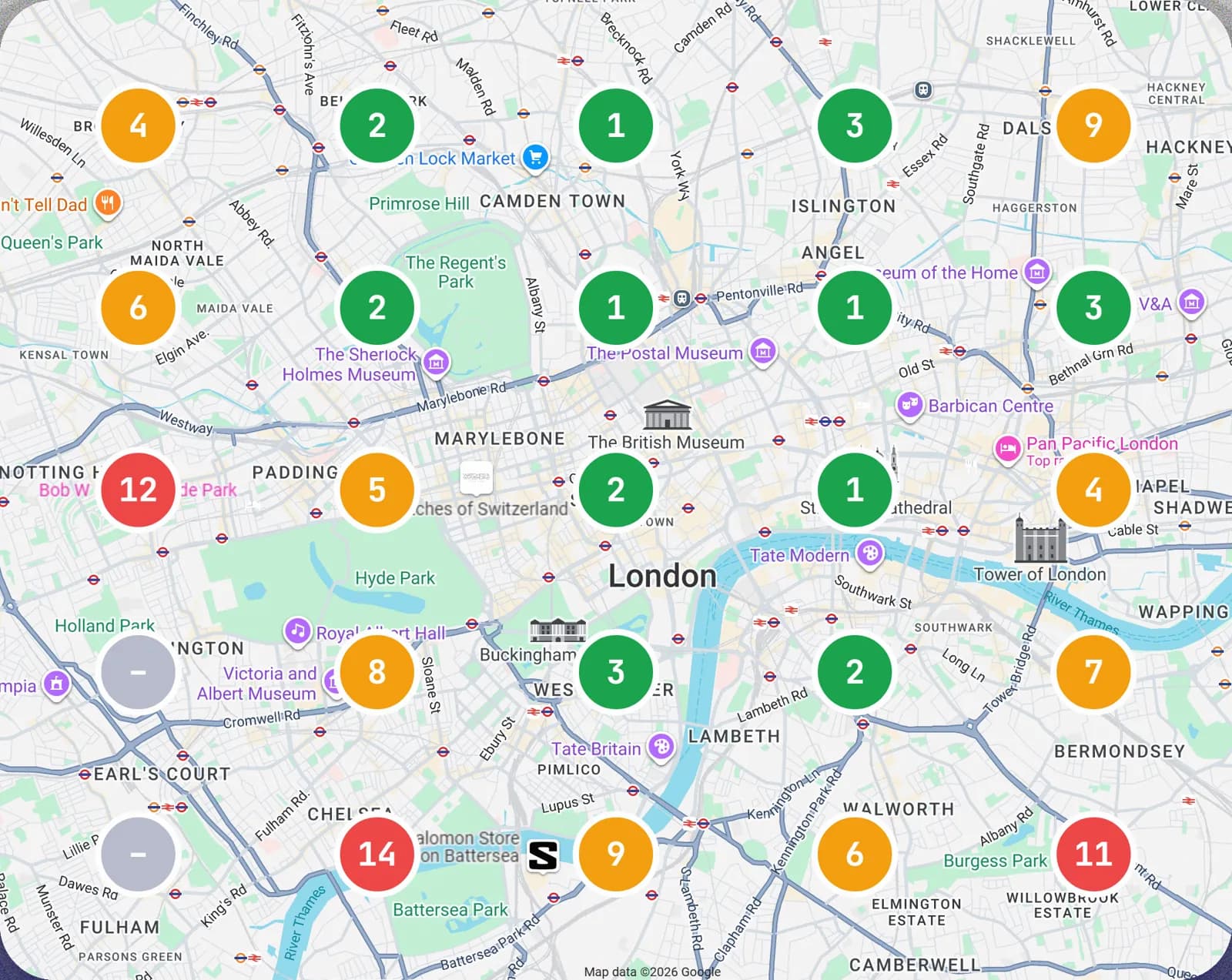
Google names three things it looks at for local results: relevance, distance and prominence, and it does not publish how it weights them. Rank Pilot checks the parts you control: your categories, every service, a description in the words people search, reviews and replies, posts and photos. It puts what is missing in order, as a short list, not a 40-page PDF you will never open.
Map © Google
9 reasons your business is not showing on Google Maps
Most profiles that vanish from Maps have one of these nine problems. Each one comes with how to check it yourself and how to fix it.
Your profile is not verified
Sign in to your Google Business Profile. If Google still asks you to verify, the profile is not live on Maps yet.
Finish verification with the method Google offers you (often a short video of your premises), and keep the name and address exactly as they are in real life. The Google Business Profile verification guide walks through each method and what to do when one fails.
Your profile is suspended
A suspended profile shows a notice when you sign in, and the listing drops out of Maps entirely.
Correct whatever broke Google’s guidelines, such as keywords added to the business name or an address you don’t work from, then request reinstatement through Google’s appeal form. Never open a second profile instead. The guide to a suspended Google Business Profile covers the evidence and the appeal.
Your primary category is wrong
Search for your main service and look at the category shown under the top three names. If theirs is more exact than yours, that is the gap.
Set the primary category to the closest match for the job most customers come for, then add the other categories you genuinely fit as secondary ones.
Your services list is empty
Open the services section of your profile. A blank list, or two vague entries, gives Google almost nothing to match a search against.
List every job you take, each with a short description in the words your customers use. It is one of the first things Rank Pilot drafts for you.
There is a duplicate profile
Search your business name and phone number on Google Maps. Two pins for one business split your reviews and confuse the ranking.
On the copy, choose Suggest an edit and mark it as a duplicate. If you manage both profiles, ask Google Business Profile support to remove the extra one.
The searcher is too far away
Distance counts: the same search from your street and from across town gives different results. Check your position from several points, not just from your own phone.
You cannot move, so work on the two factors you can change, relevance and prominence. The one-minute Google Maps check shows where you appear across your area.
Your address is hidden and no service area is set
A business that visits its customers can hide its address. With no service area added, Google has nowhere to show you.
Add the towns, cities or postcodes you actually cover in the service area section, and keep it to the area you really serve.
You are closed when people search
Plenty of searches happen with “Open now” switched on, or late in the day. Wrong or missing hours leave you out of them.
Set your regular hours accurately and add special hours for holidays, so Google never shows you as closed when you are open.
Your profile is weaker than your neighbours’
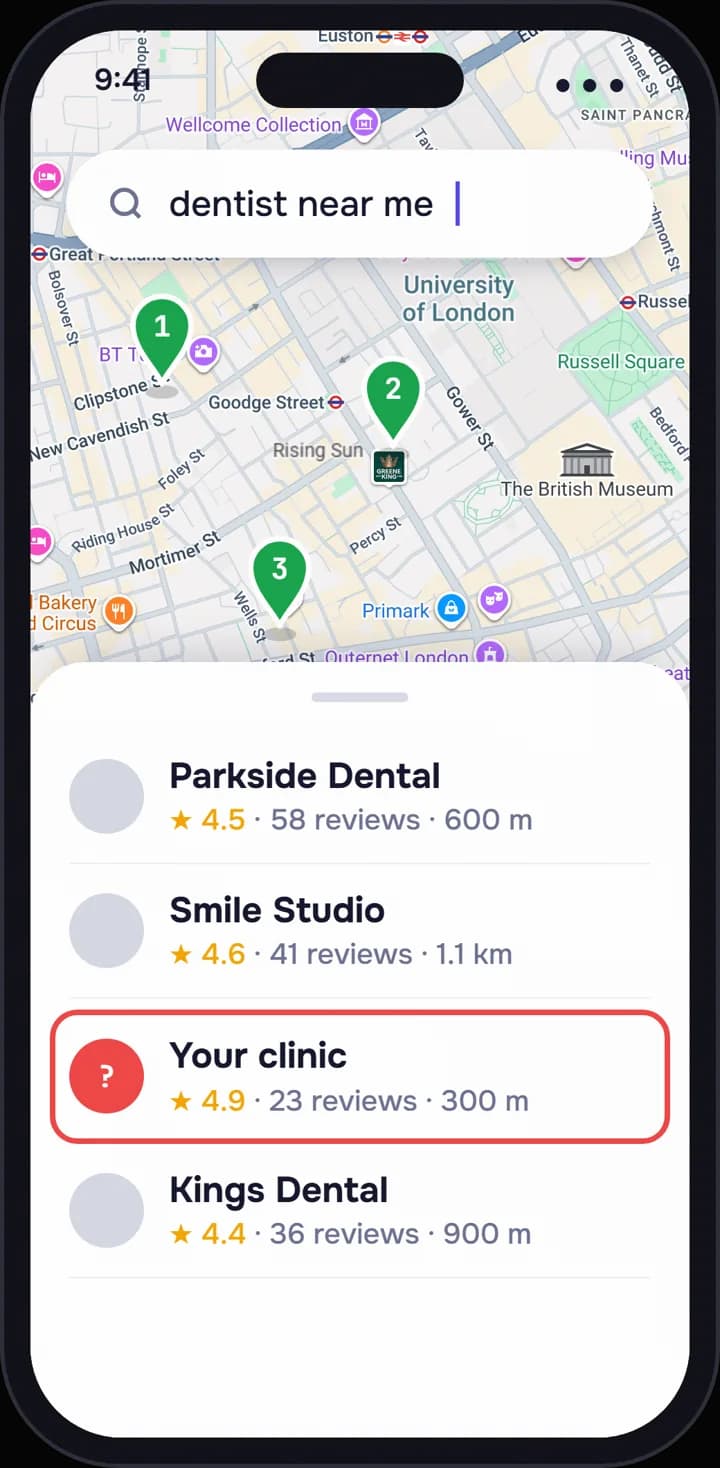
Compare your reviews, rating, photos and category with the three businesses Google shows first. Google does not publish how it weights these, but a gap is the place to start.
Close it one signal at a time: see who is ahead of you on Google Maps, and why, then reply to every review and keep your photos and services current.
Fixing it is the start.Staying found is weekly work.
Once the cause is fixed, the profile still has to be kept complete, answered and current every week, or it can slide again.
The full plan, and the part Rank Pilot takes off you, is on Google Business Profile management, done for you. To see which of the nine applies to you, run the one-minute check of your profile.
$79per location, per month7-day trial
7-day trial
You’ll see what it did, every week
Your rank is measured every week from 25 points across your area, and a short email every Monday says what changed. The full audit is in the app every month. No contract, and you cancel from your account.
- Cancel any timeFrom your account, no call
- No setup feeOne price, nothing added on
- Your data is yoursExports on request
See what’s wrong with your profile
About a minute, no card, no phone call. You see what is broken, what to fix first, and where you stand across your area.
- What’s broken
- What to fix first
- Where you stand nearby
Straight answers
Still not showing?A few more answers.
Does Rank Pilot fix my website or directory listings?
No. It works on your Google Business Profile only. Where your website or a directory shows a different name, address or phone number, it tells you what to correct, and you change it there.
How soon will I show up again after a fix?
Verification and reinstatement are Google’s decision and take as long as Google takes. Places in search usually change within 30–90 days of the work, and nobody can guarantee them.
Does Ask Maps change why I am not showing?
Ask Maps answers from what Google Maps already knows, your profile included, so the same fixes count there; read what Ask Maps is and how it picks places.