Free scan · about a minute
Can people find your business on Google Maps?
Type your business name. The scan checks where you come up when someone nearby searches for what you do, and shows you the businesses coming up instead of you.
Free scan · about a minute
One business can look different across the same area.
49 map points
8%
Top 3
- Top 3
- 4 to 10
- 11 or worse
- Not found
44%
of all clicks go to the top 3 — everyone else fights for scraps
76%
of “near me” searchers visit a business within a day
0
alerts you get when a competitor takes your customer
Sources: BrightLocal Local Services Ads Click Study, 2019 (stated-preference; combined top-3 share ~29-32%) · Google/Purchased, Digital Diary, May 2016.
Why this scan exists
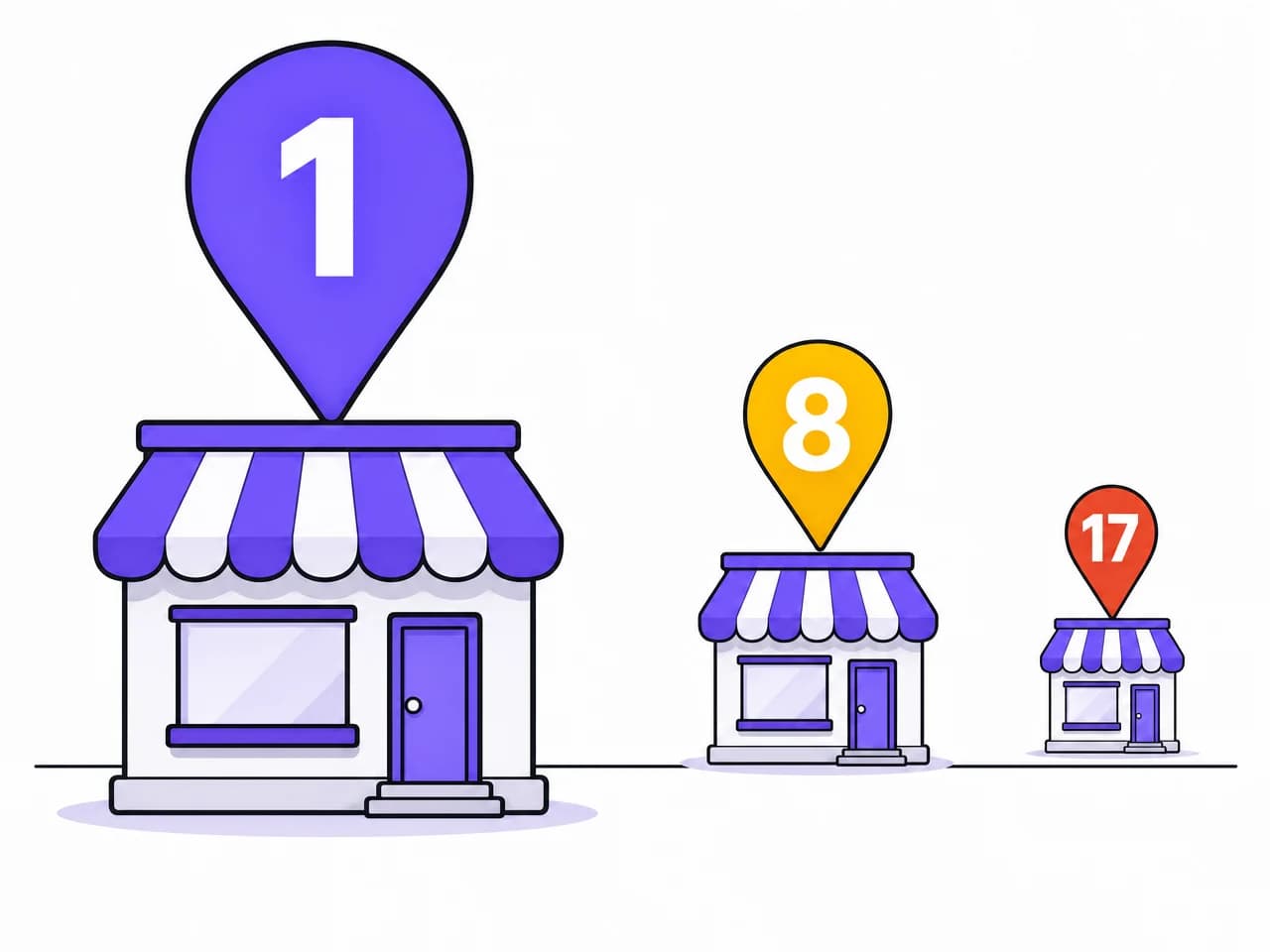
Three businesses come up. One of them gets the call.
Nobody scrolls the map. If you are fourth, you are not losing the comparison — you were never in it. And nothing tells you it is happening, because a call you never got makes no sound.
01
They search
On Maps, at the moment they need someone.
02
Three come up
The rest sit behind a tap almost nobody takes.
03
One gets the call
The businesses below the fold were never in the running.
What the report shows
Five things, on one page, as soon as the scan finishes.
- 01Your rankWhere you come up for the search term Google associates with your business — or “20+” if you are not in the first twenty results.
- 02Who is above youThe businesses ranking ahead of you, by name, with their rating and review count next to yours. Up to three, plus how many others are ahead.
- 03Your visibility scoreOne number out of 100, and a plain verdict for why it landed there.
- 04What is holding you backThe problems the scan can see on your profile, listed one by one. If it finds nothing, it says so rather than inventing something.
- 05What it is costing youIf you rank below the top three: the customers and the revenue going elsewhere each month, with the whole sum opened up — including which figure is an estimate and which is pulled live for your category.
You also get a link to the report. Send it to yourself, or to whoever else needs to see it.
What it cannot show you: your calls, your views, your direction requests. Google shows those to the profile owner only.
What this costs you
Your business name, and about a minute of waiting.
- No account, no password, nothing to install
- No credit card — the scan never asks for one
- No Google login. Connecting your profile only comes up later, and only if you decide you want the work done for you.
What happens after
The report, then it is your call.
- 01The report opens on this page. No email gate, no PDF to wait for.
- 02What the scan found is on the screen. The parts an agent would do for you — the reply to that review, this week's post — are shown as previews, because writing them into your profile needs the profile connected.
- 03If you want the work done for you, that is the paid part: $79 per location per month, first 7 days free, cancel from your account.
- 04Rankings move in 30 to 90 days, not overnight. Anyone who promises faster is selling you something.
Before you start
Three things people ask first.
Do you need my Google login?
Not for the scan. It reads what is public. Connecting your profile only comes up if you decide you want the work done for you.
Is this actually free?
Yes. There is no card field anywhere in this flow. The paid part is the agent that does the work afterwards, and you can read the report and never touch it.
Will someone call me?
No. The scan never asks for your number, so nobody here has it.
Scan your business.
About a minute, and it asks for nothing but the name.
No signup · No credit card · Results in about a minute